A free Google Docs template with professional formatting. Plus an award-winning example to learn from.
Get the Template
Before Netflix, there were shorts. Here's what I learned.
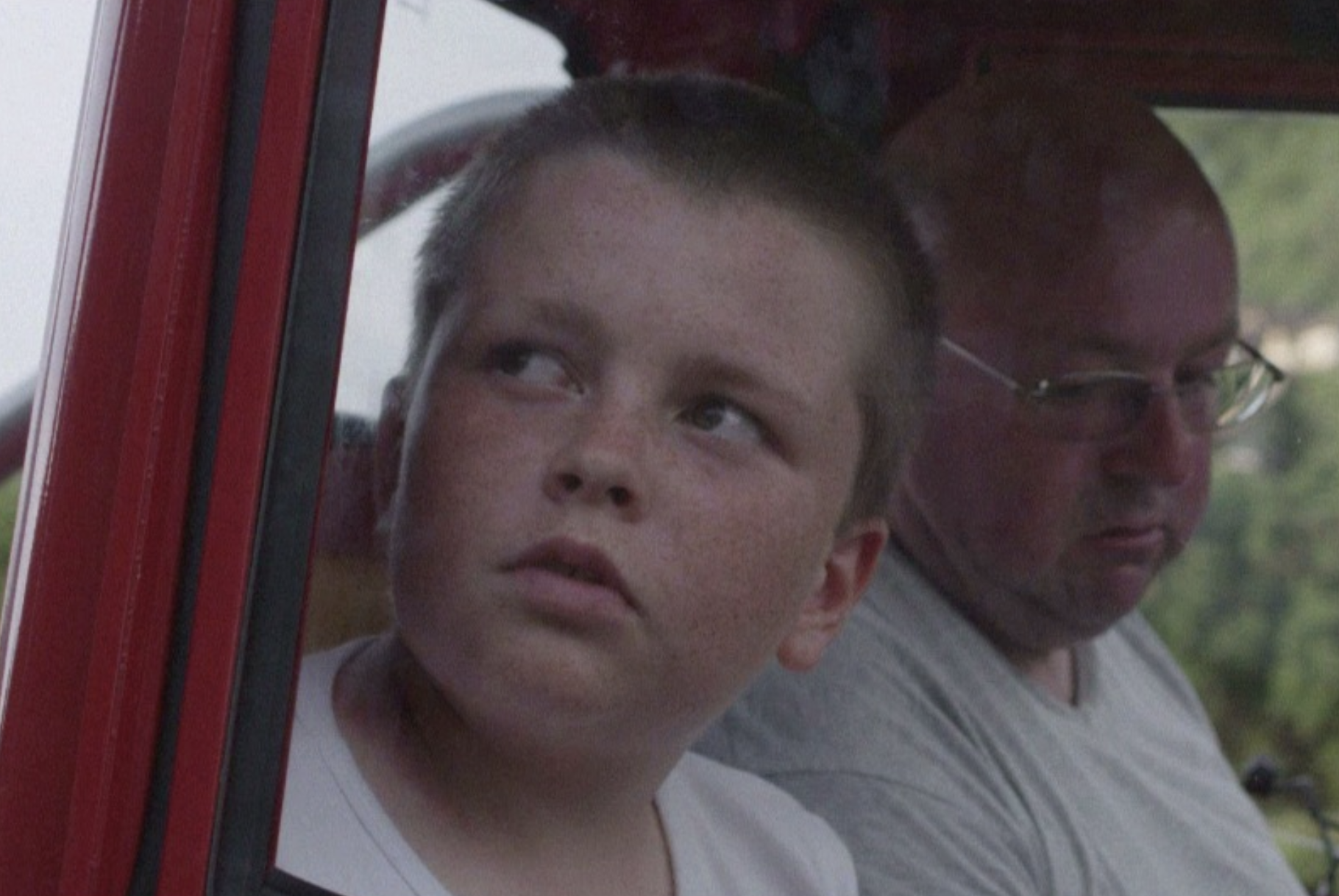
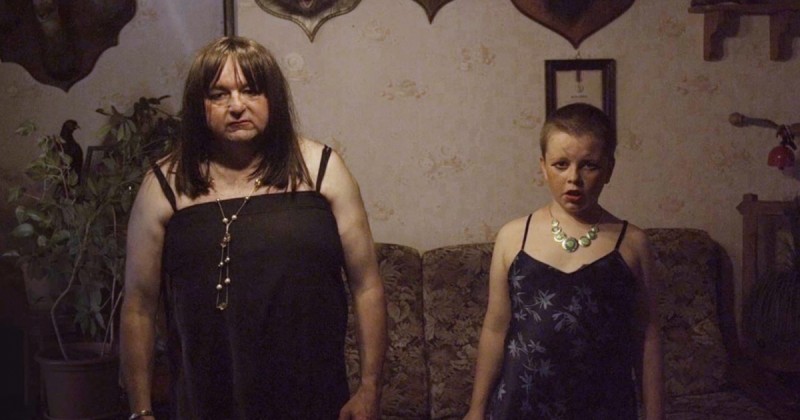
My shorts Perrault, La Fontaine, Mon Cul! and Ich Bin Eine Tata won awards at Clermont-Ferrand, the world's largest short film festival in the world (did I mention it's the largest?). Premier Métro played at festivals worldwide. That's how I got noticed, and that's how I landed my first feature.
Below is the full screenplay. This is what a produced short looks like. Use it as a reference.
Get the Full Screenplay (.doc)This template comes pre-configured with industry-standard formatting, so you can focus on your story.
1.5" left, 1" right, top, and bottom
Industry standard with proper line spacing
Scene headings, action, dialogue examples
Standard short film title page fields
Starts on page 2, as per industry standard
1 page ≈ 1 minute of screen time
Here's a sample scene showing proper short film formatting. Notice the tight action lines and minimal setup.
Short films aren't shorter features. They require a different approach to storytelling.
Short films don't have time for lengthy setups. Begin your scenes as late as possible, often mid-conversation or mid-action. End them the moment the dramatic point is made.
Every new location costs time and money in production. For short films, aim for 1-3 locations maximum. Multiple scenes in the same location create visual continuity.
Two or three characters are often enough for a powerful short. Each character represents a casting decision and screen time. Fewer characters means deeper development.
Short films often work best with minimal dialogue. Use your action lines to tell the story visually. A glance, a gesture, an object can replace entire conversations.
From template to finished script in minutes.
Click the button below to open the template in Google Docs. You'll see a sample short film page layout with all formatting pre-configured.
Go to File → Make a copy to save your own version. Rename it with your project title. The original template stays unchanged for future use.
Delete the example scenes and start writing your own. The formatting styles are preserved. Just type your scene headings, action, and dialogue.
For automatic formatting, keyboard shortcuts, and export options, install our free Google Docs add-on. It makes writing faster and keeps your formatting consistent.
Professional formatting, zero setup time. Just open, copy, and write.
Learn how to get it read by producers. Real strategies, real emails, from someone who's done it.
How to Reach Producers