Free Screenplay Template for Google Docs
This template is for beginners, students, and indie writers who want to start writing a screenplay in Google Docs without setting up formatting manually. If you write in Microsoft Word instead, there is a free Word template built the same way.
Screenplay formatting has specific rules: margins, indentation, spacing, and element placement. Setting this up from scratch in Google Docs takes time and is easy to get wrong. A pre-formatted template solves this. You can start writing immediately.
What This Template Includes
- Correct margins (1.5" left, 1" right/top/bottom)
- Courier 12pt font pre-configured
- Scene heading format (INT./EXT., uppercase)
- Action, character, and dialogue spacing
- Title page layout
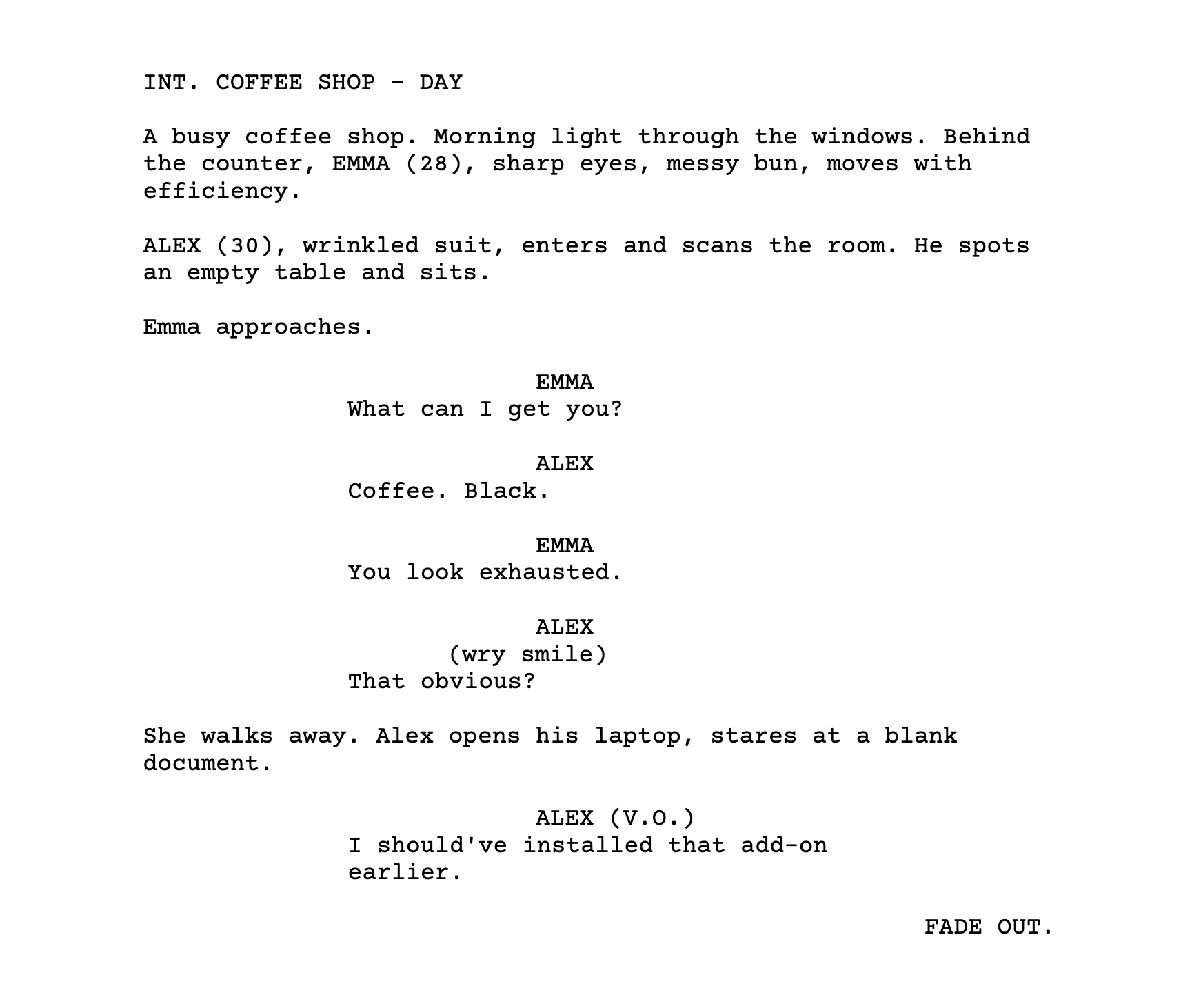
- Sample scene showing proper structure
Opens directly in your Google Drive, no sign-up required
Why Screenplay Formatting Breaks in Google Docs
Google Docs wasn't built for screenwriting. It doesn't have built-in screenplay styles, so you have to set margins and indentation manually for each element type.
The main problems writers run into:
- Manual formatting drift. After 20+ pages of adjusting the ruler, margins become inconsistent.
- Copy-paste issues. Pasting text from other documents often brings unwanted formatting.
- Revision problems. Editing and rewriting can break the spacing you carefully set up.
Using a template helps because you start with correct settings. For longer projects, a formatting add-on can maintain consistency automatically.
How Screenplay Editor Helps
Screenplay Editor is a free Google Docs add-on that applies formatting automatically as you type. It's optional. This template works on its own.
- Applies correct margins and indentation automatically
- Detects element types (scene headings, dialogue, action)
- Remembers character names for autocomplete
- Exports to PDF, and to Final Draft (.fdx) with Pro