The screenplay formatter for Google Docs
Screenplay Editor formats your script to industry standard right inside Google Docs. No new software, no markup to learn, free to start. The same editor also runs inside Microsoft Word, on Mac and Windows.
Try Screenplay Editor, it's free to startWhat a screenplay formatter for Google Docs does
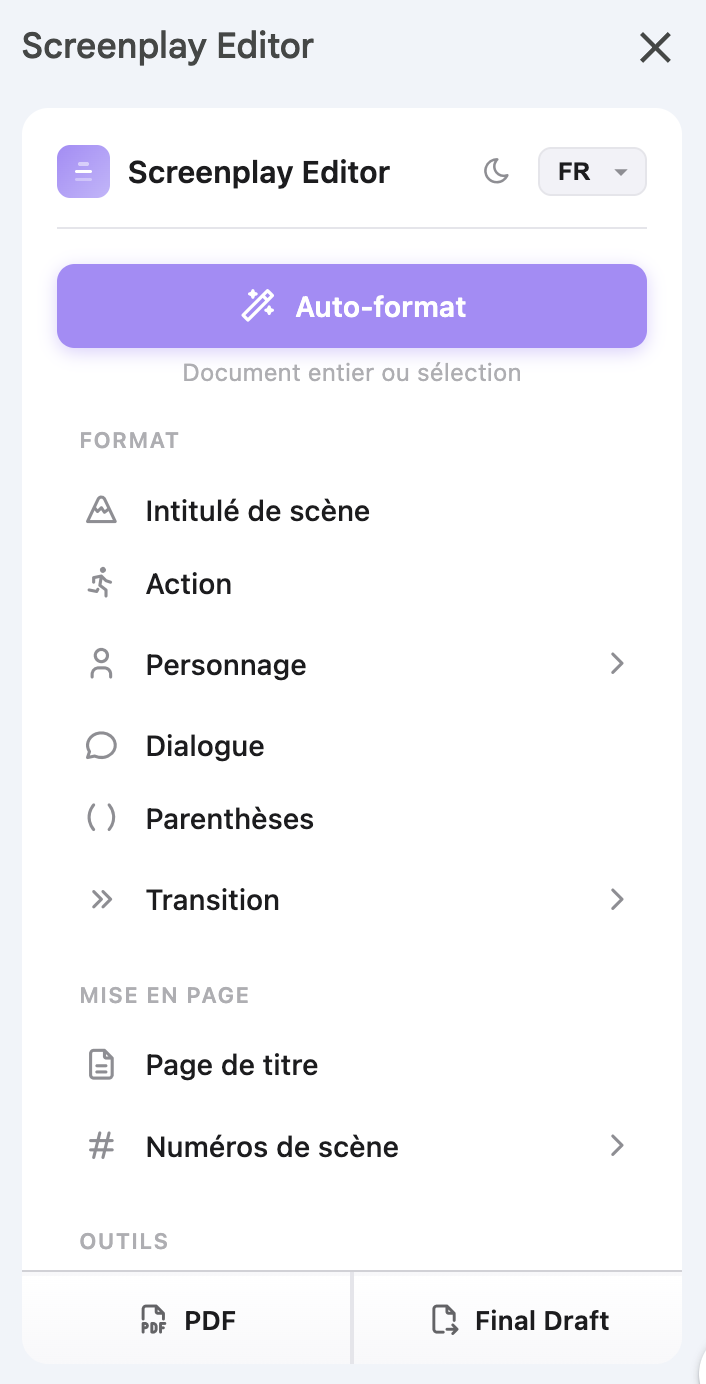
A screenplay formatter turns Google Docs into a screenwriting tool. It sets the right margins, fonts, and spacing for every element, scene heading, action, character, dialogue, parenthetical, and transition, so your script matches industry standard. You format each line with a button or a keyboard shortcut, or auto-format the whole document at once.
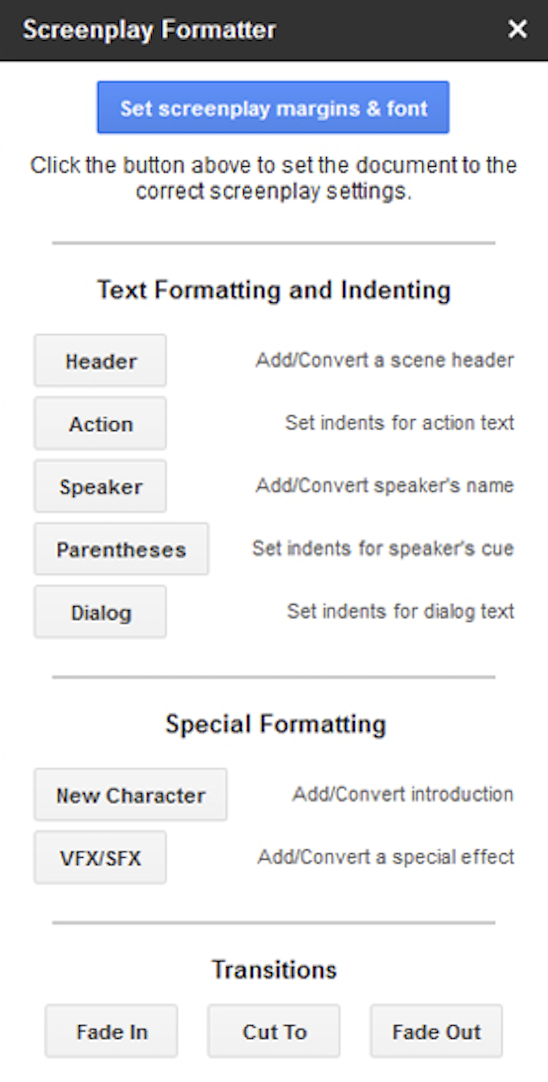
Screenplay Editor is that formatter. It took over after the original Screenplay Formatter add-on shut down, and it goes further. If you used to rely on the old one, here is why writers switched.
Everything you need. Nothing you don't.
Screenplay Editor gives you:
Auto-format that handles your entire script in one click. Scene headings, action, character, dialogue. All industry-standard formatting.
Real-time collaboration, because it's Google Docs.
Export to PDF, and to Final Draft (.fdx) with Pro.
Pomodoro timer to stay focused. Boneyard to store your killed darlings.
It starts free, it stays private, and it is actively developed by working screenwriters and developers.
Want to see how all Google Docs screenplay add-ons compare?
See our full comparison of all Google Docs screenplay add-ons →
Ready to write again?
Install in seconds. Your scripts stay in Google Docs, right where they belong.
Recommended, works in any browser
Faster in-page formatting on Chrome